


There may be a number of reasons to incorporate human feedback into your AI experiment. When using AI agents and LLMs to simulate human responses—whether for surveys, data labeling, or user research—you often need real human validation. This might involve cognitive testing of your questions and instructions, or verifying that AI responses align with realistic human behavior.
We've built features that streamline this human-AI comparison process in both our open-source EDSL package and our no-code builder. The workflow consists of: creating a survey, running it with AI agents, then sending it to human participants. Since AI and human results use identical formatting, you can analyze both datasets with the same methods.
Below we demonstrate this process with a simple survey about some unforgettable Jane Austen quotes, gathering responses from both AI agents and human participants. Note: Every step shown in code can also be accomplished through our no-code builder—reach out if you need help getting started!
Create a survey
We start by creating a survey. EDSL comes with many common question types we can choose from based on the form of the response that we want to get back from models (and humans):
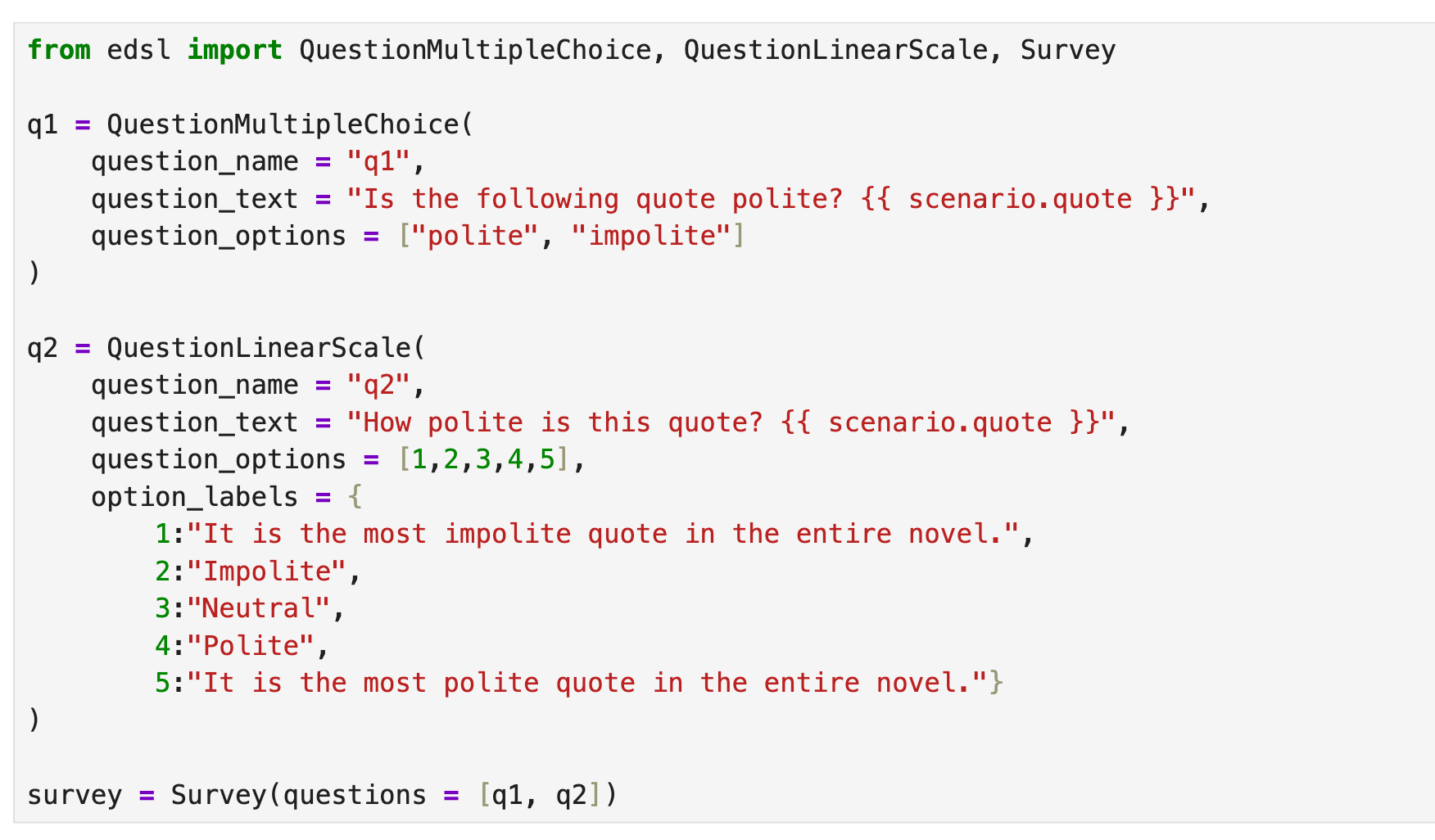
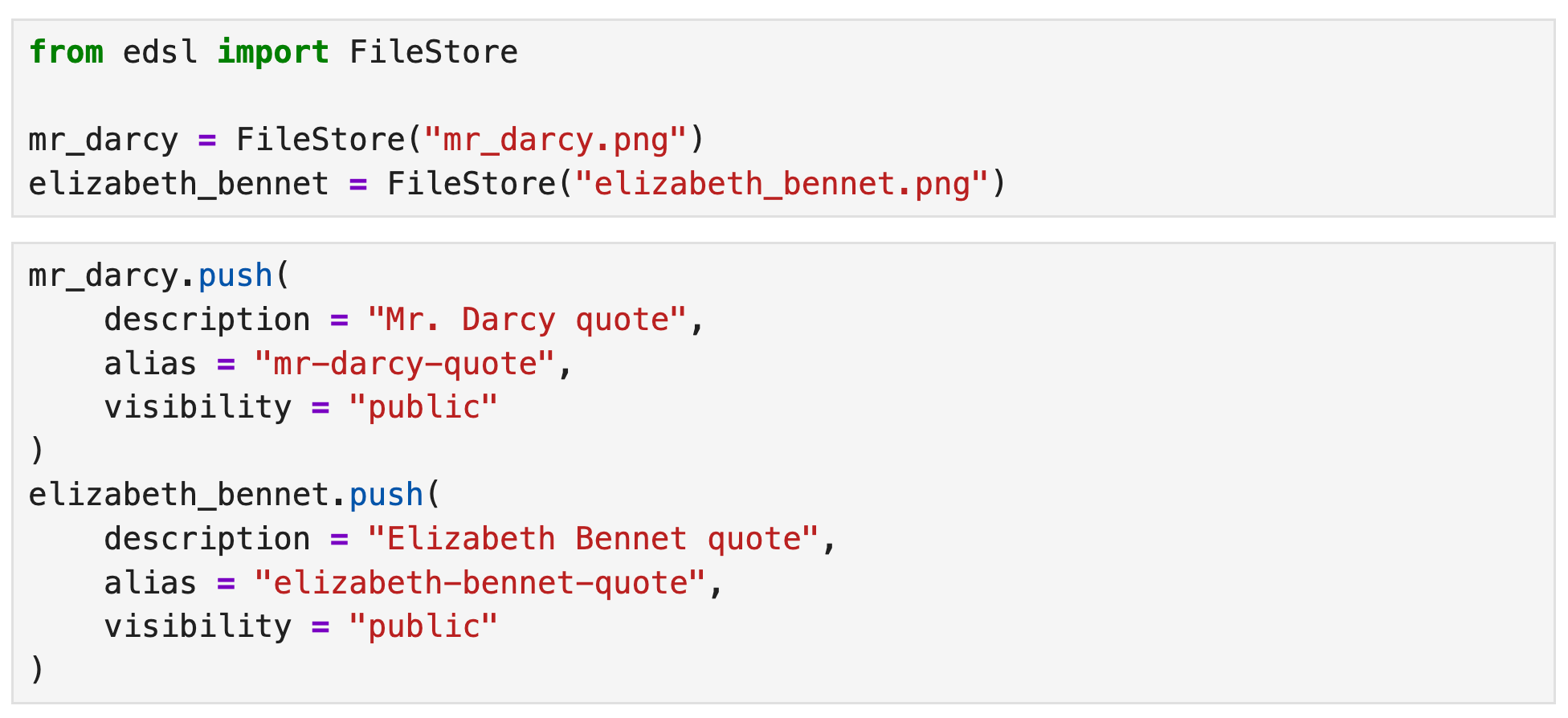
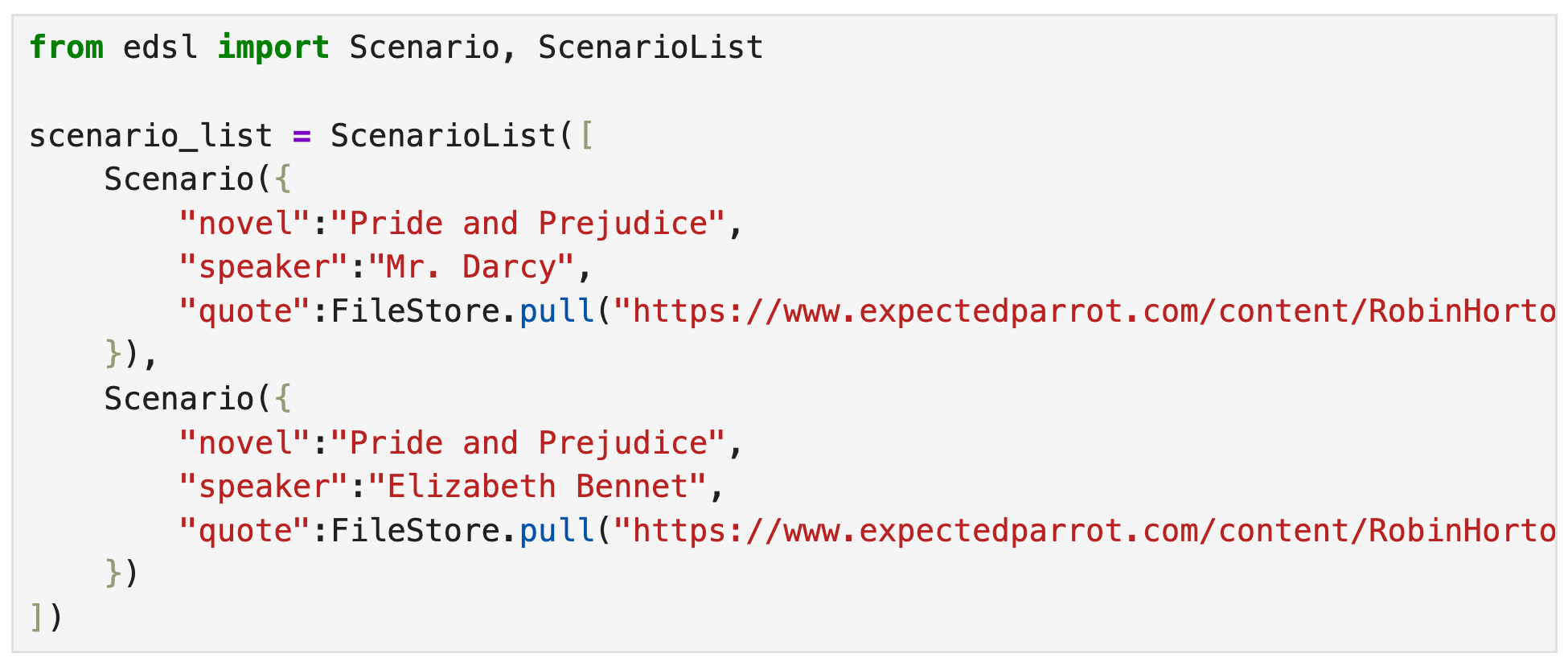
Note the use of {{ scenario.placeholders }} in the questions. Scenarios allow you to create versions of your questions efficiently with different texts, PDFs, CSVs, images, videos, tables, lists, dicts, etc. Here we post some images to Coop and inspect them:
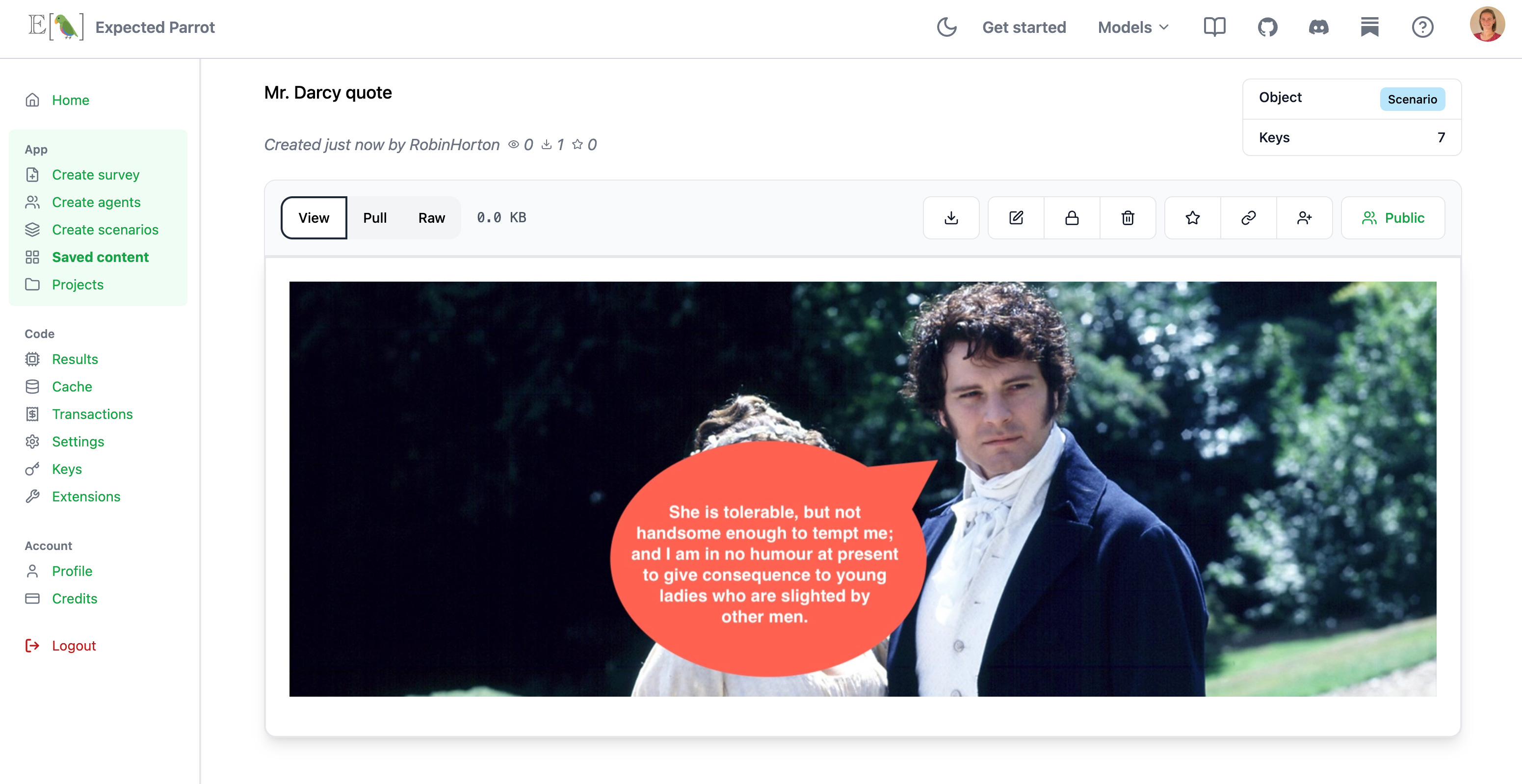
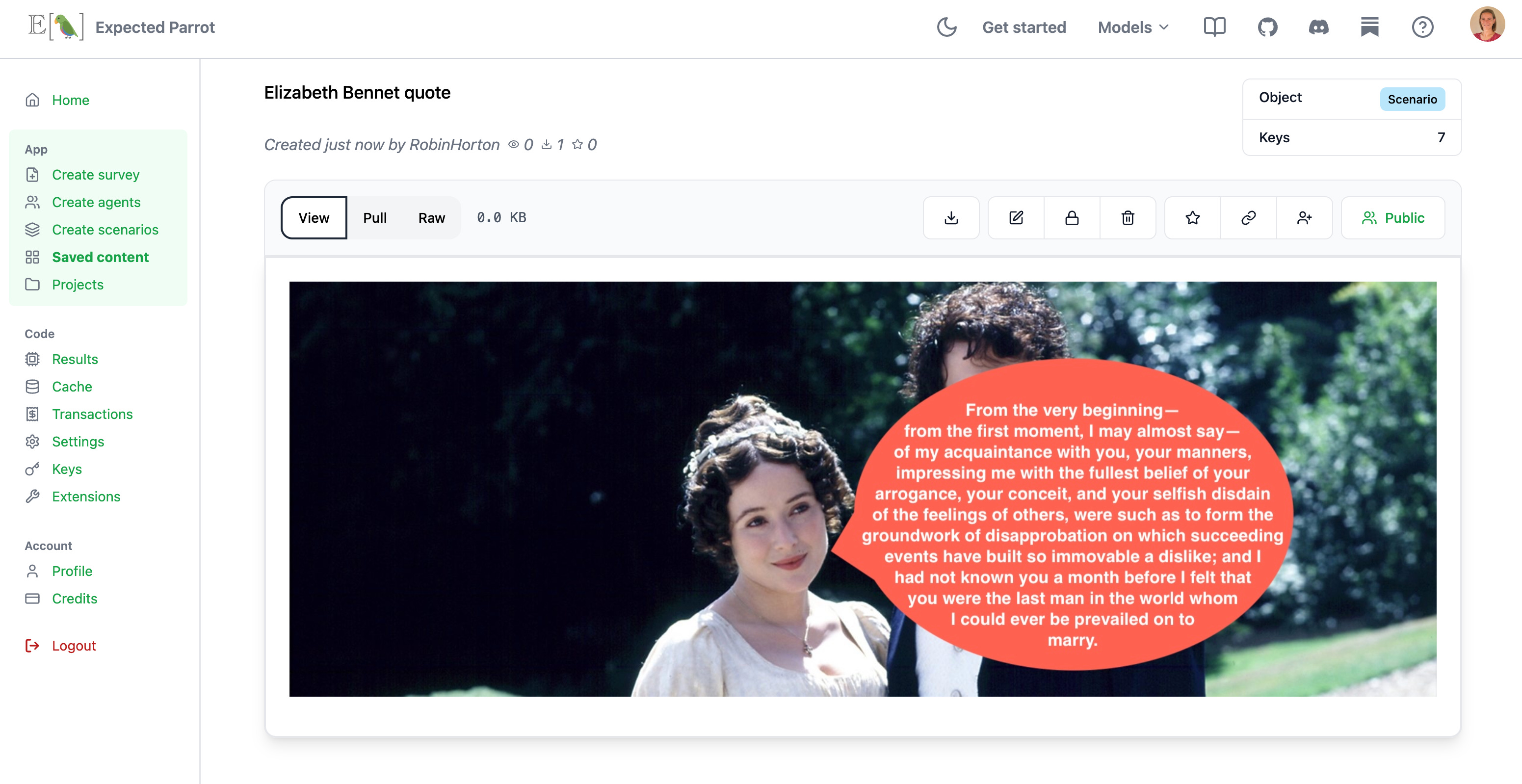
When we create scenarios we can add any extra fields for metadata that we want to include in the survey results, without having to add it to the questions directly—e.g., we did not include placeholders in the questions for “novel” and “speaker” but we can make them columns of the results that are generated:
Run with AI
Next we can design AI agents to answer the questions and select models to generate those responses. EDSL works with many popular models; you can check details on current available models here and see which ones are being used the most at our cache stats page. Here we create some simple personas and select a couple vision models to use with the survey. Note that agent traits and personas can be *much* more detailed than this—we’re working on lots of features for helping you generate them, please get in touch to test—and you can specify the model parameters (here we use defaults). We add the scenarios, agents and models to the survey when we run it:
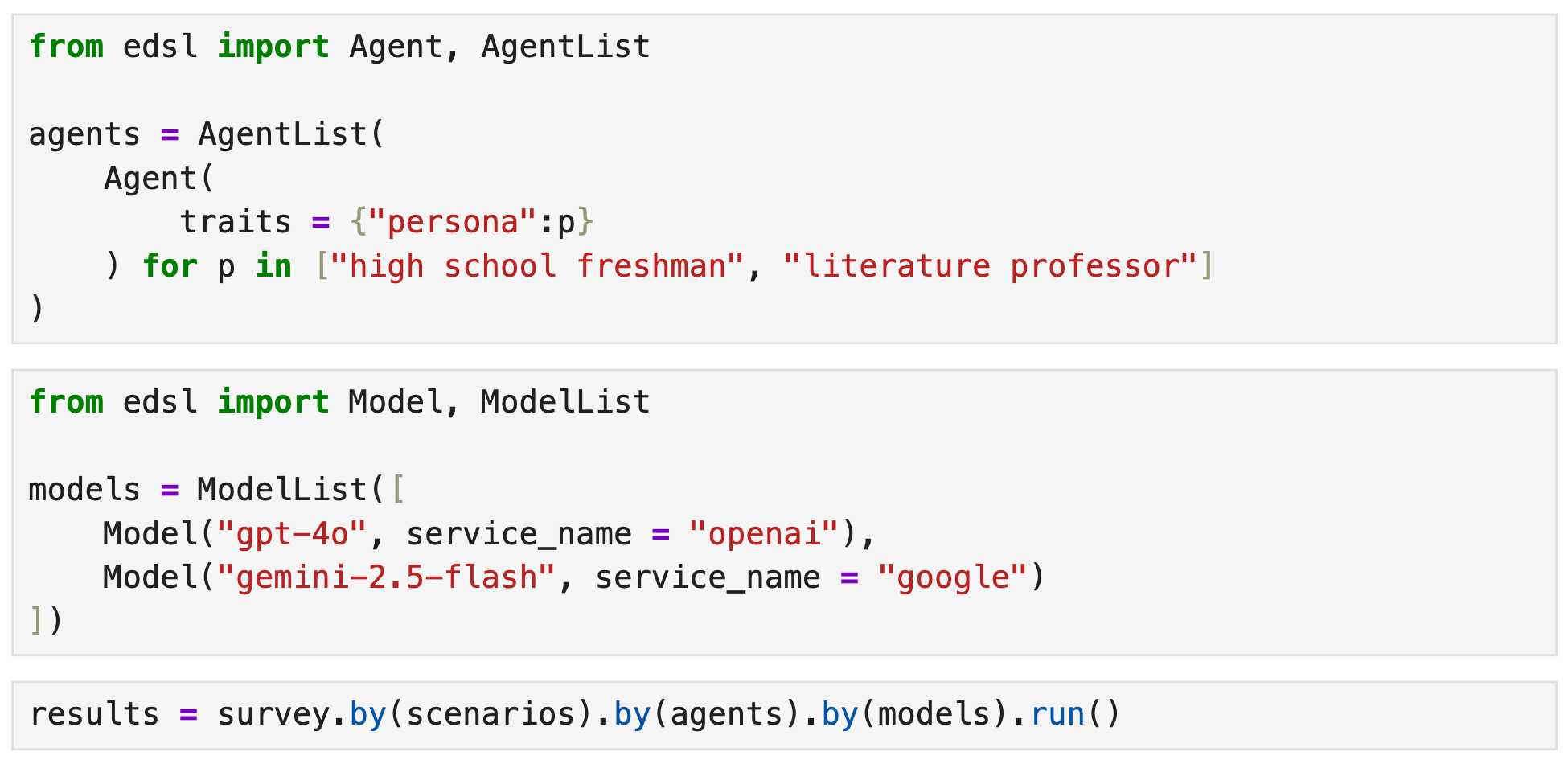
This generates a dataset of results that we can immediately begin analyzing (see all results in the notebook and at Coop).
Run with humans
To run the same survey with humans, we start by calling the humanize method to generate a web version of the survey and a Project for collecting responses:

We can inspect and share the respondent URL:
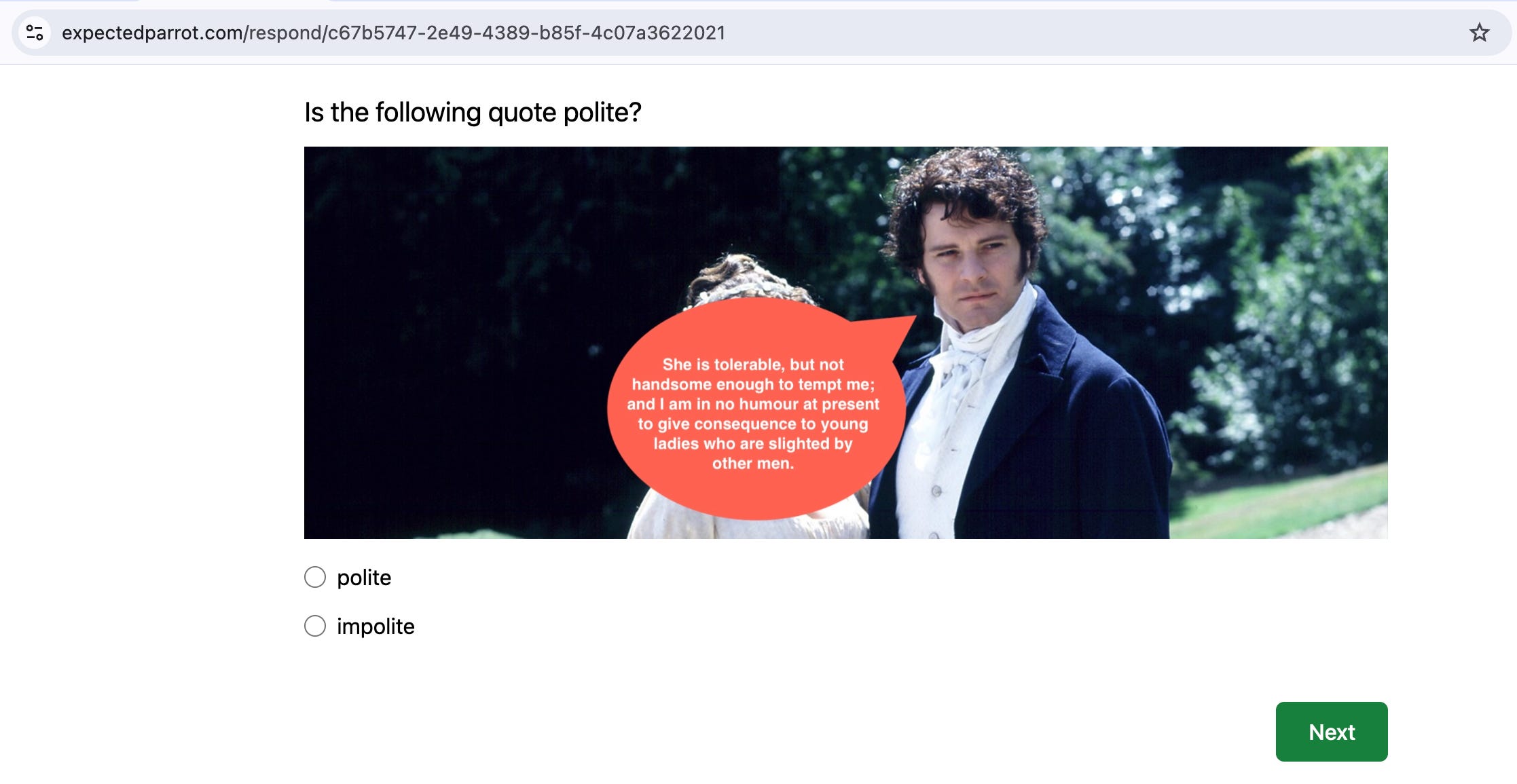
We can create a study to launch the same survey at Prolific:
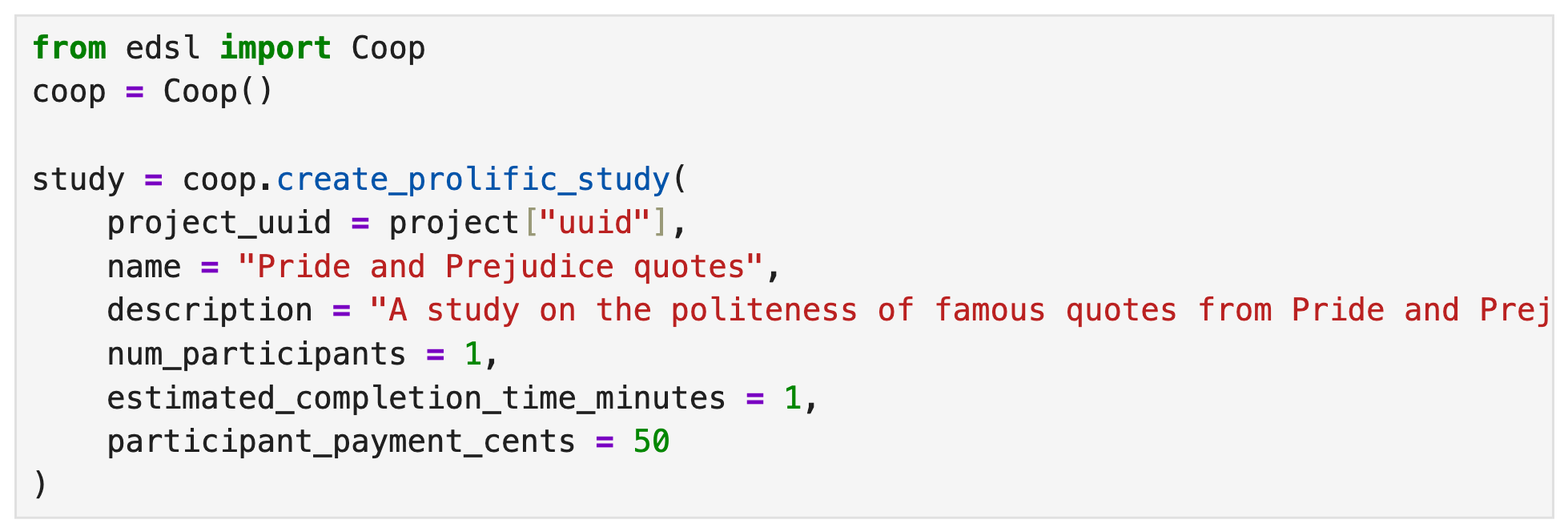
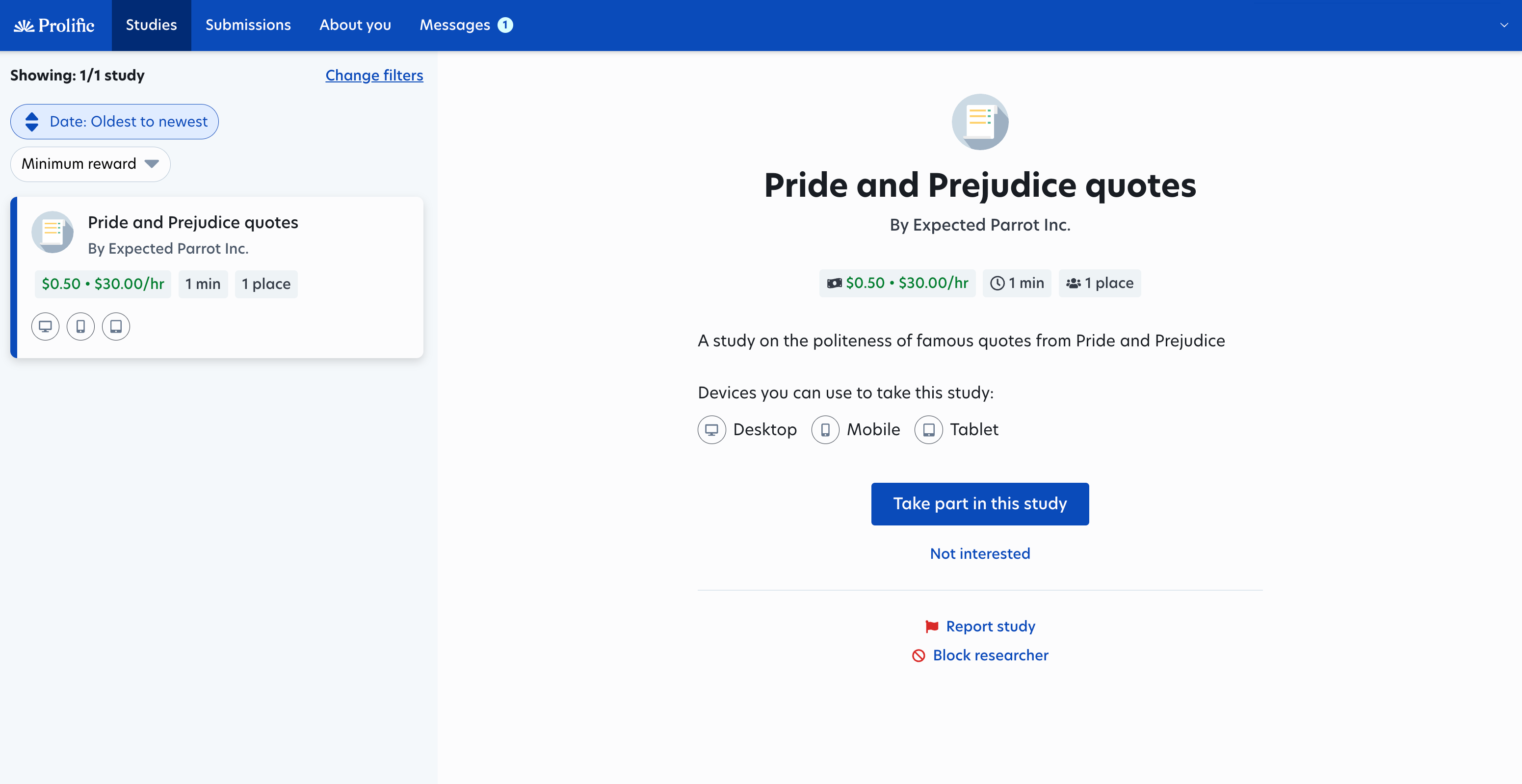
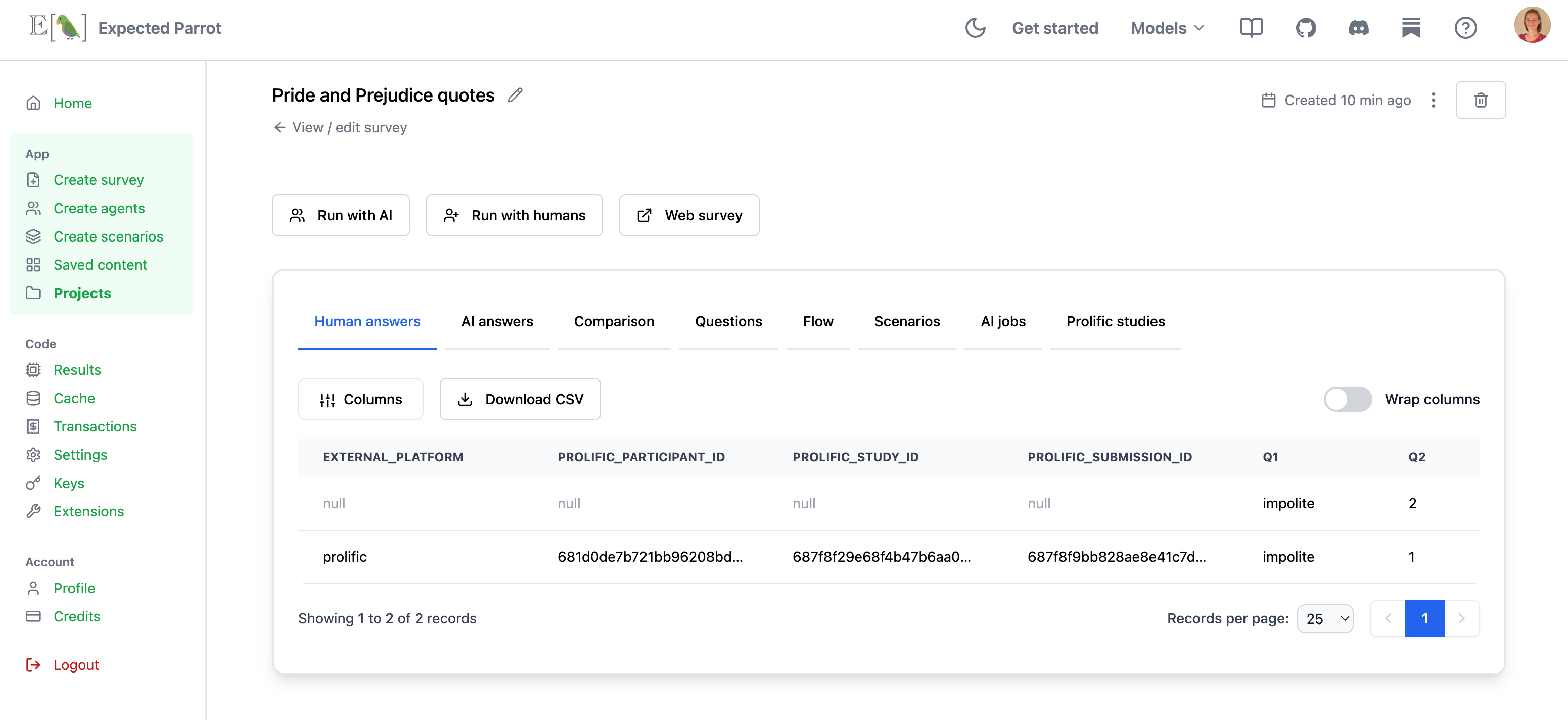
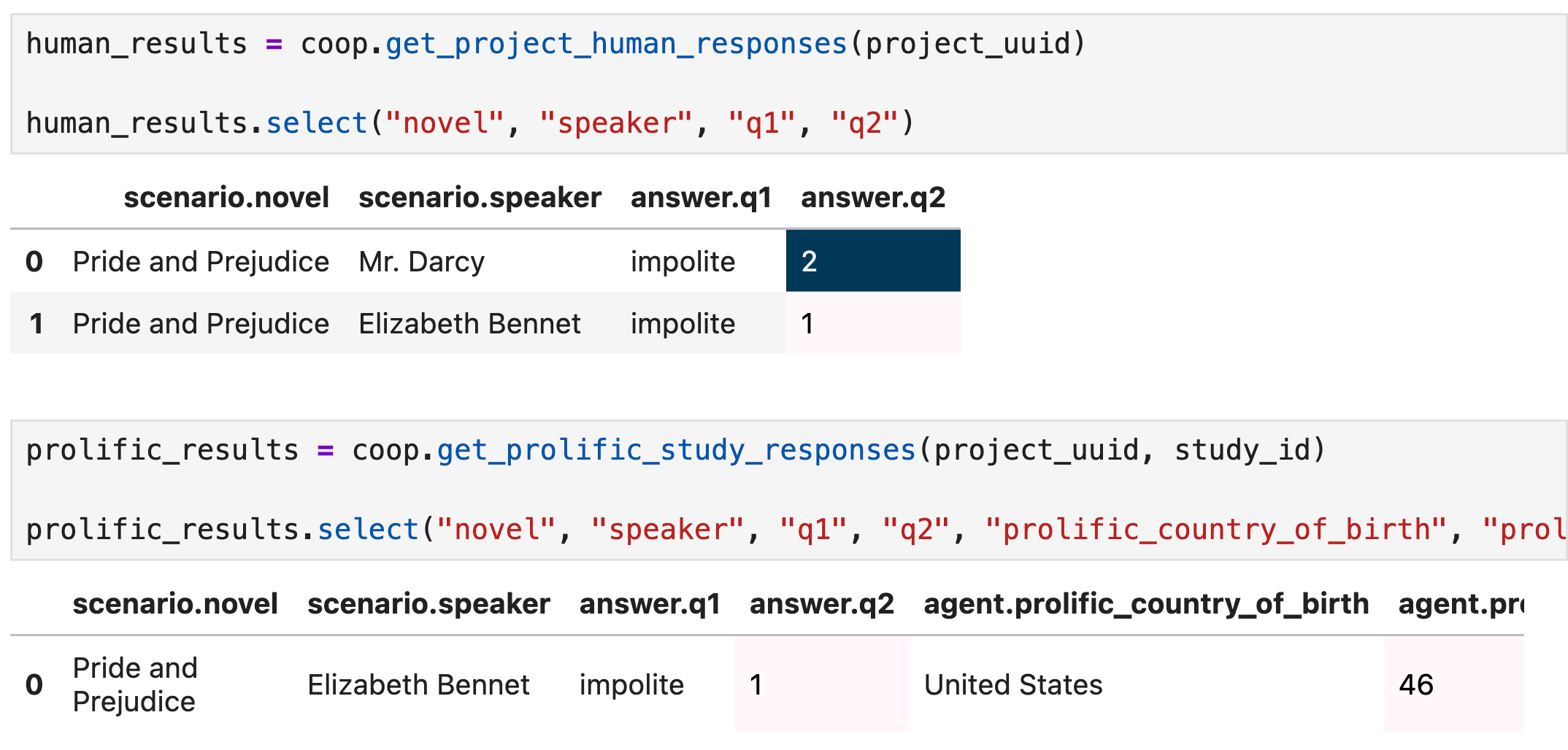
Responses are automatically added to your Project page and can be pulled into your notebook for analysis:
References
Details on methods, tutorials and example code for a variety of use cases are available at our documentation page.
A complete notebook of example code shown above is available here.
A slide deck version of the code is available here:
