


Whether you are simulating surveys with AI agents and humans in code with our open-source package EDSL or working interactively with our no-code builder, you have flexible options for API access to LLMs and human participant platforms:
Use your own keys
Use an Expected Parrot key to access all models and participant platforms
Mix and match keys for services as desired
How it works
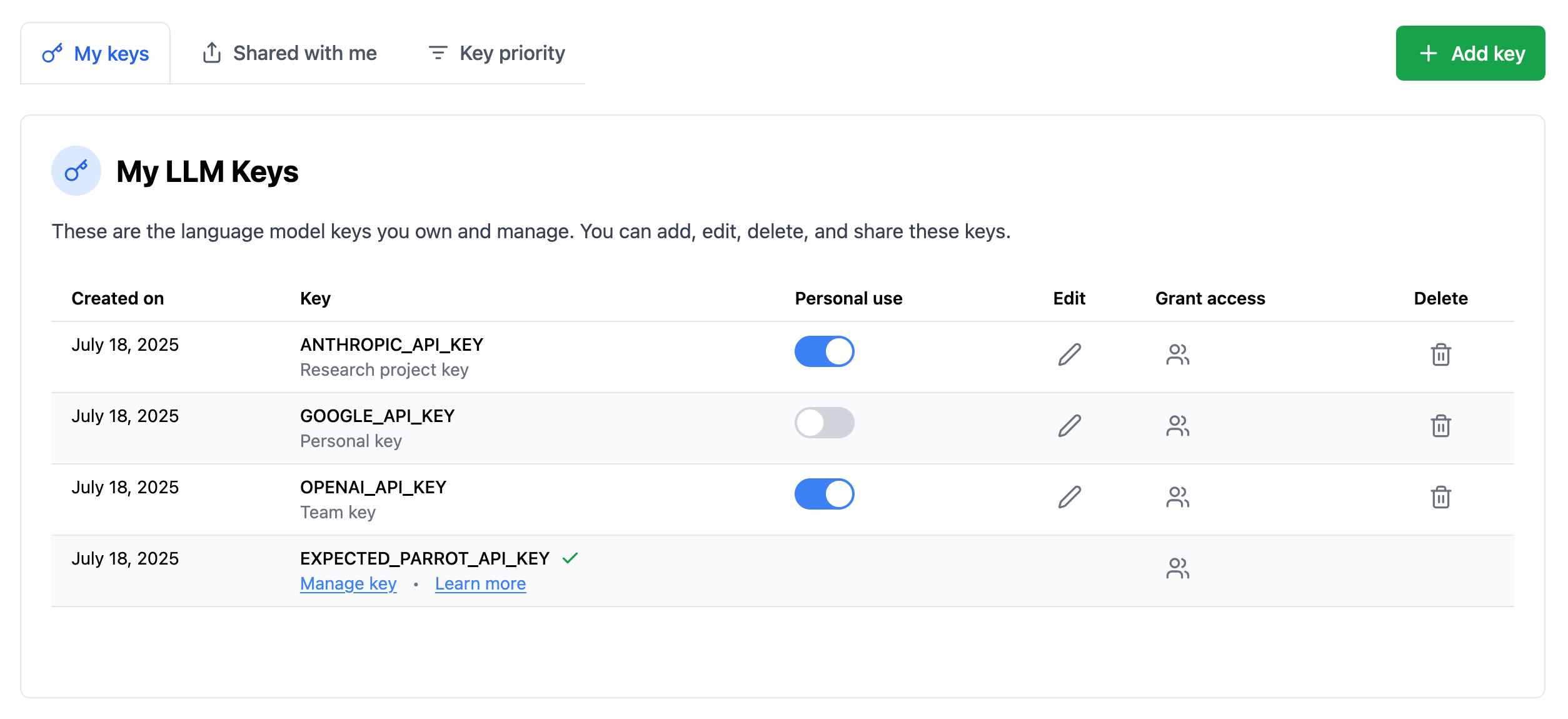
Your Expected Parrot account comes with a key that lets you run surveys with all available language models and human participant platforms (Prolific). The key is automatically available and can be viewed at the “Keys” page of your account:

If you want to use your own keys for LLMs, scroll down the page to see the option to add keys. You can de/activate keys individually at any time, share access to them with team members, and set limits on their usage. Whenever a private key is activated it is used instead of your Expected Parrot key when you run jobs and this will be indicated in your results:
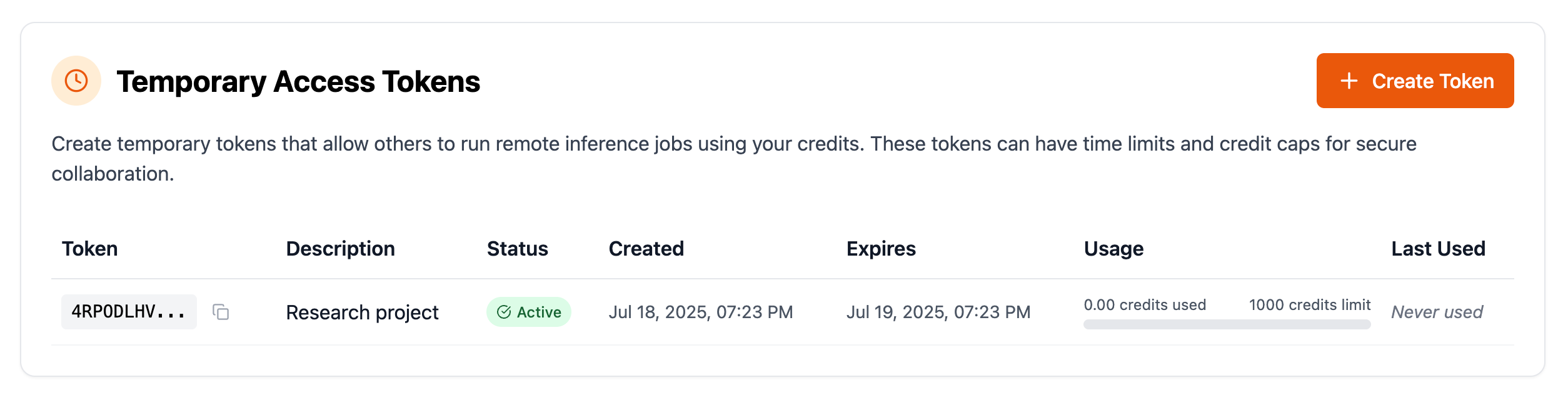
If you want to let other users run surveys with LLMs using your credits, you can also create temporary access tokens:
Human respondents
We recently added features for launching your LLM surveys with human respondents. These features are available whether you are working in code with EDSL or using our no-code builder (details below). You can choose whether to generate a shareable link for a web version of your survey to send to your own respondents, or you can create studies at Prolific and filter participants as desired (e.g., to align with your AI agents).
Watch how to launch a survey with AI agents and Prolific participants and compare responses:
When you launch studies with Prolific you will also use your Expected Parrot key by default, and transactions will appear in your account the same as with LLM survey jobs. If you instead want to use your own key for Prolific, simply add it to your Keys page as well:
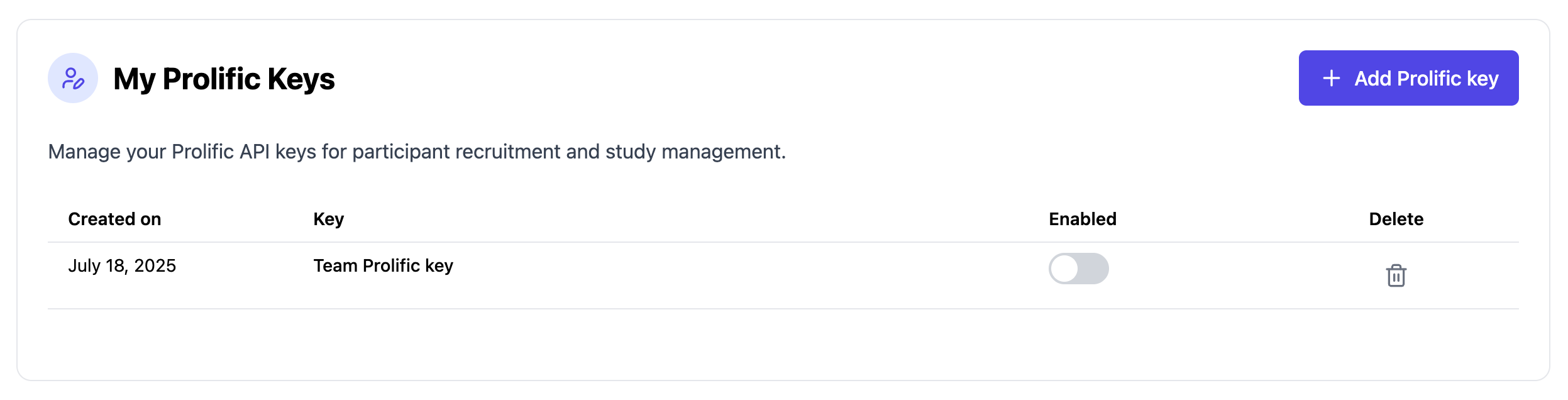
This will ensure that charges are sent to your personal account, but your results will still be available at your Expected Parrot account.
Working in code
If you’re working directly in EDSL code (in a notebook, instead of our no-code builder), you can call the humanize method to generate a shareable web version of your survey, and use Coop methods for launching Prolific studies and collecting responses. Human results are formatted the same as LLM results, so you use all the same built-in methods for analysis.
Learn more about humanize here, Prolific studies here, and analytical methods here.
Questions?
Let us know if you run into any issues! Post a message at our Discord or send an email to [email protected].